In and training in two seconds
Scan the member's card, type their name or number, or use the fingerprint machine. Their days left show straight away.
Noman Mirza #1002Welcome inQuarterly plan · runs until 16 Jan
MyGymanager is front desk software for gyms in Pakistan. Check members in, take fees in cash, JazzCash or Easypaisa, print the receipt, pay your trainers and see what the month made, on the reception laptop or on your phone.
Opens a sample gym in a new tab. No sign-up, nothing to type.
Four things happen at every gym, every day. Here is what each one looks like in MyGymanager.
Type a name, a member number or scan their card. MyGymanager checks them in and shows how many days are left on their plan.
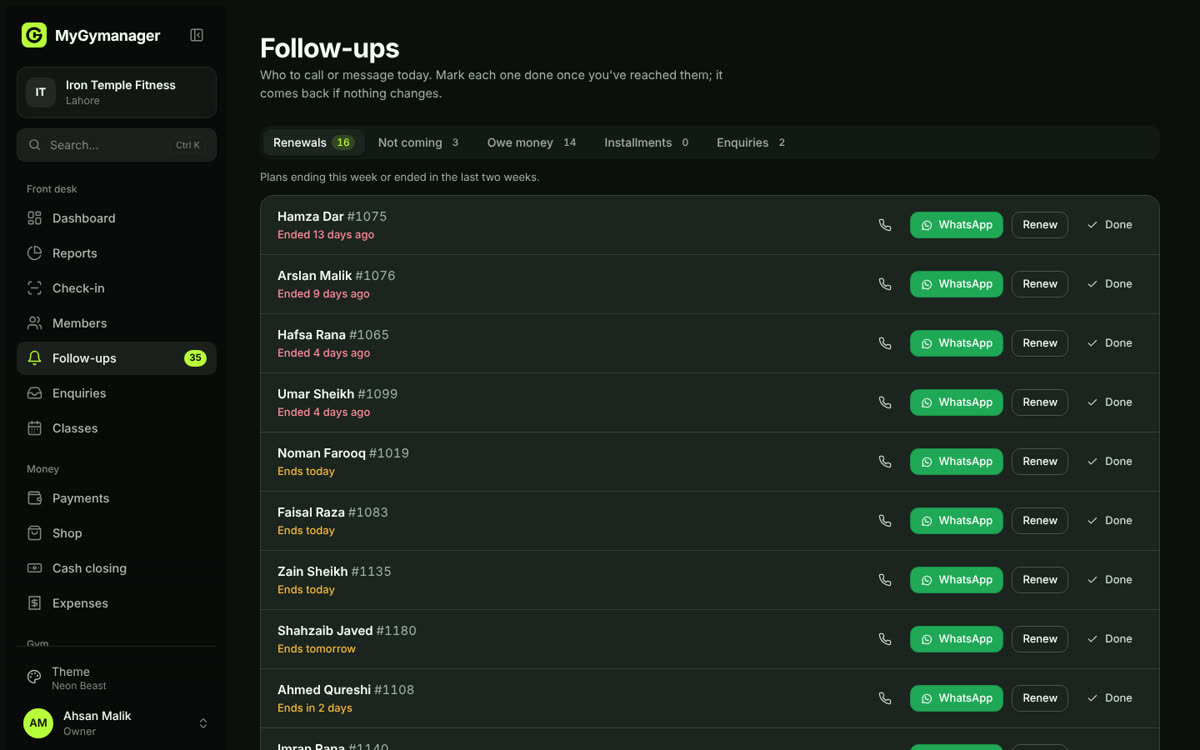
Follow-ups gathers everyone whose plan is ending, who has stopped coming or who owes money. Send each a ready-written WhatsApp message.
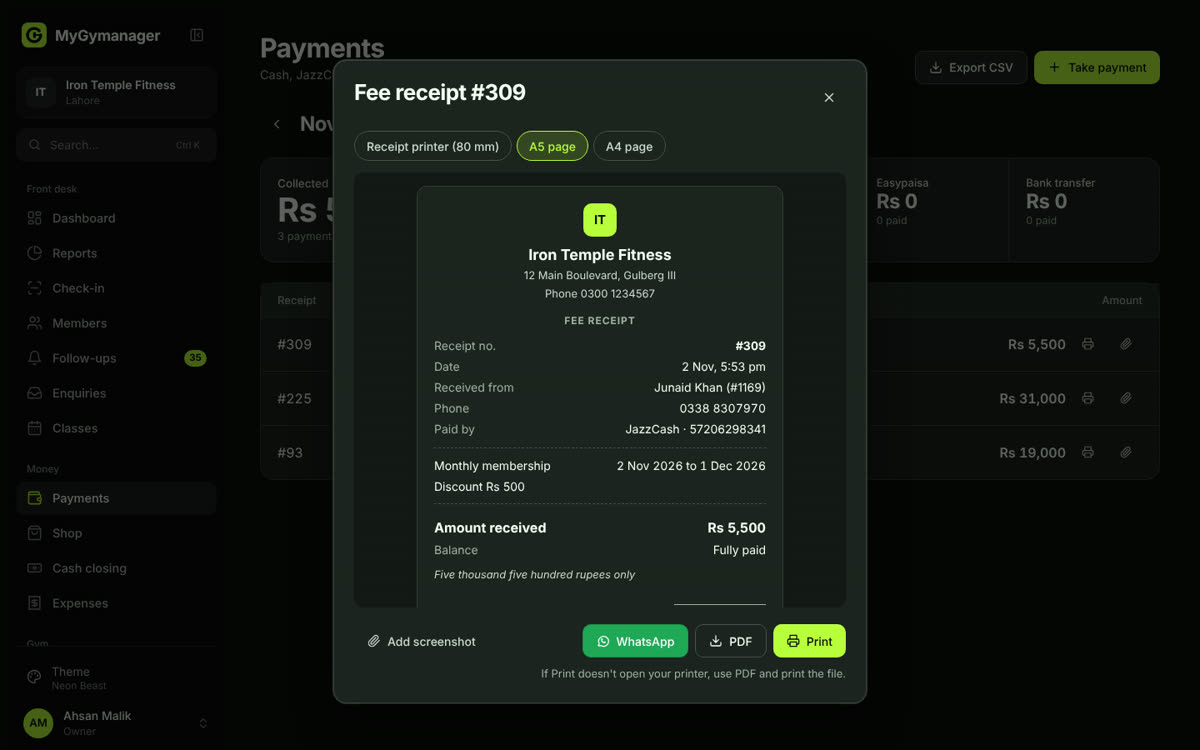
Record the payment, attach their JazzCash screenshot, and the receipt is ready to print or send, with the amount written in words.
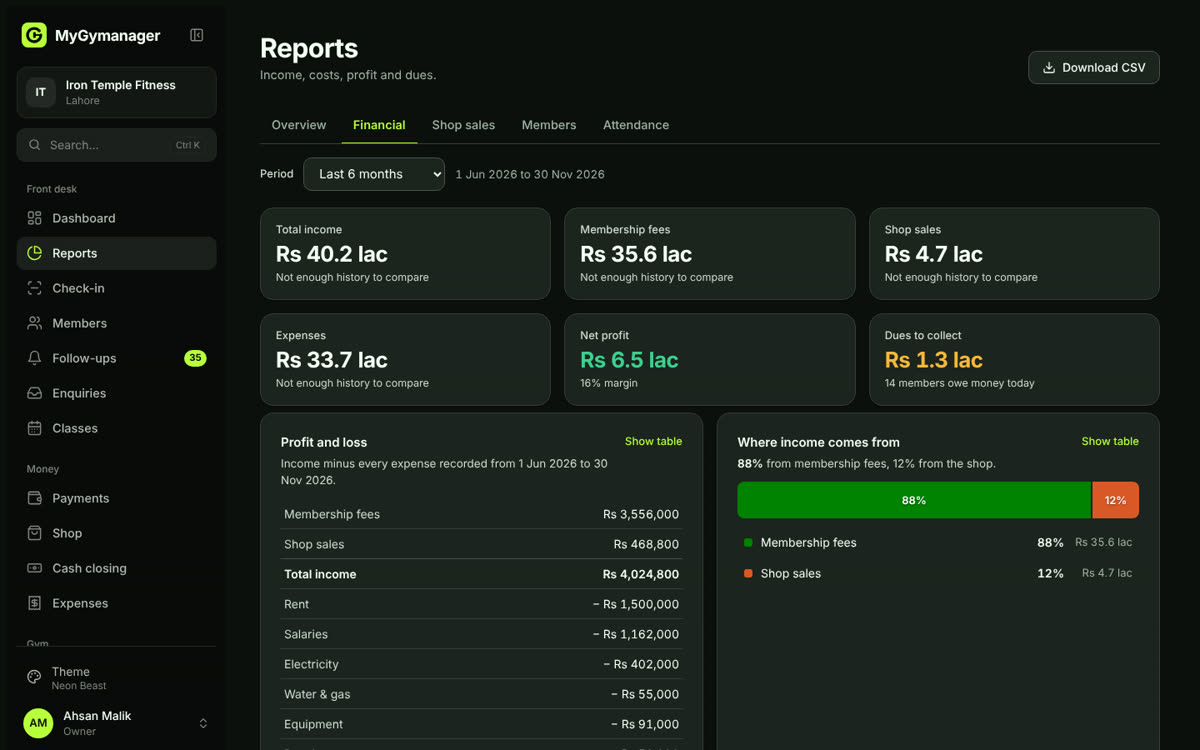
Income, costs, profit and money still owed, for this month or any dates you pick. No spreadsheets.
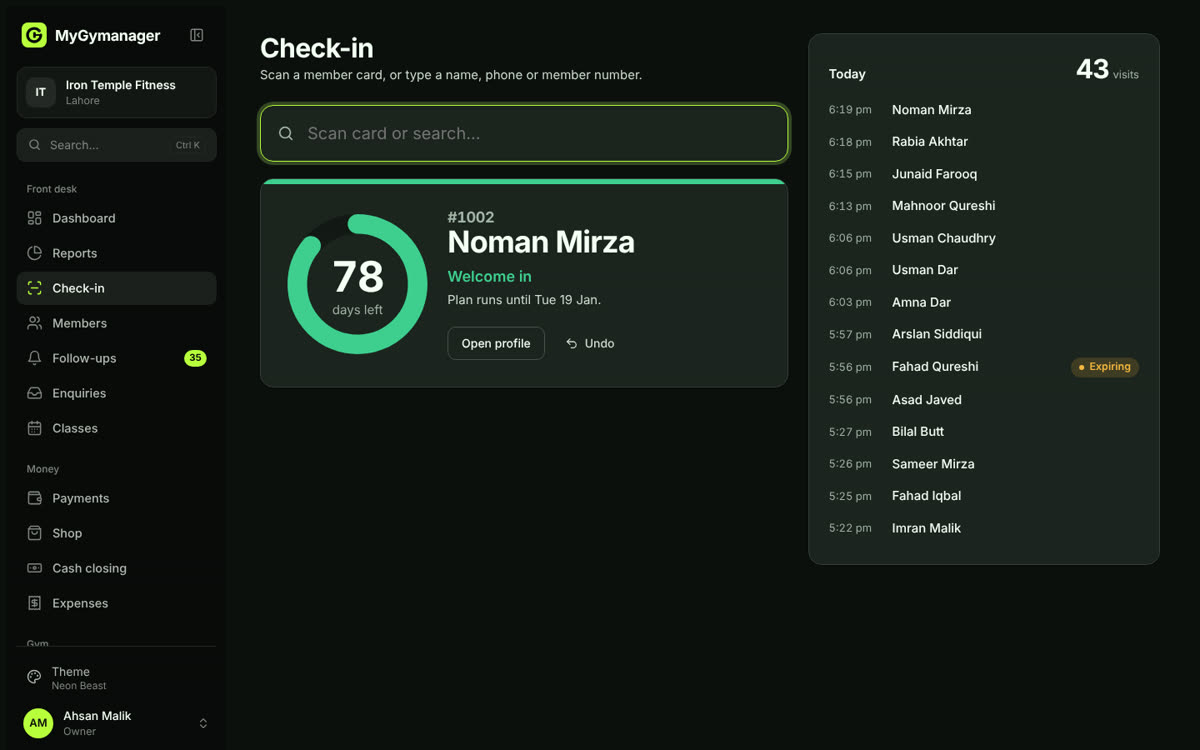
Check-in screen with the member's days-left ring.
This is a normal day at a gym in Pakistan, screen by screen.
Scan the member's card, type their name or number, or use the fingerprint machine. Their days left show straight away.
Cash, JazzCash, Easypaisa, bank or card, with the member's payment screenshot attached.
Print on a receipt printer, A5 or A4, save a PDF or send on WhatsApp.
Who is ending, who stopped coming and who owes money, each a tap from WhatsApp.
Financial, shop, members and attendance reports with charts, and a CSV for your accountant.
Staff attendance, salaries with trainer commission, and shop stock that counts itself down.
Ladies-only hours, Ramadan timings, plan freezes, family plans and referral rewards.
Recorded straight from the app: signing in, a check-in, a new member paying by JazzCash, their receipt, the reports and the themes.
Six dark and four light themes, all checked for readable text. Tap one and this page switches to it. In the app, the owner picks one under Settings and the whole gym gets it.
Every gym starts on Standard at Rs 2,000 a month: members, check-ins, renewals, cash, JazzCash and Easypaisa payments, receipts, follow-ups, expenses, reports and 10 themes. Tick any extras and the total updates.
Still deciding? The demo is a sample gym in Lahore. Click through every screen. Nothing you do there is saved.
Open the demo gym